






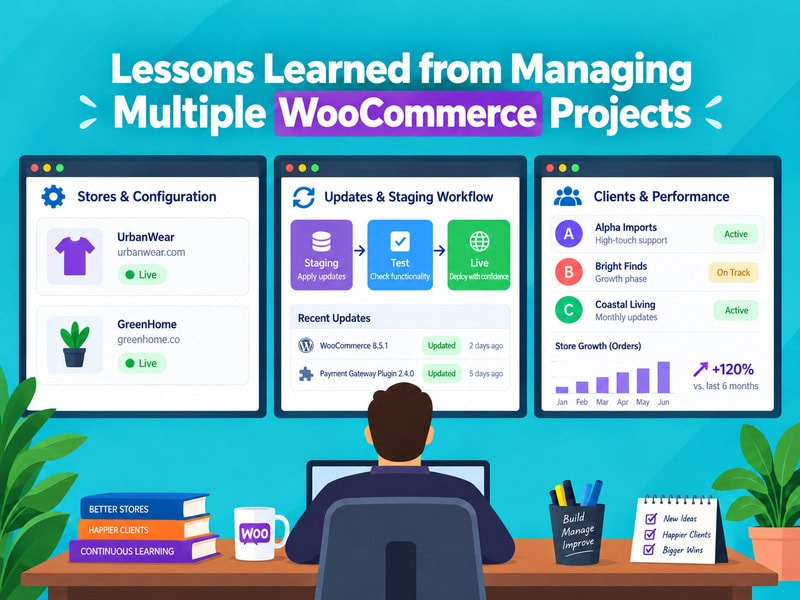
The first time we were juggling more than five WooCommerce stores at once, we learned that WooCommerce multiple stores require a very different approach from managing a single site. We assumed the job would scale the way most agency work does: more hours, but the same fundamental process. It didn’t take long to realize that was wrong. Managing one WooCommerce site well and managing a portfolio of them are almost different disciplines. The first rewards attention to detail. The second rewards systems, because attention alone runs out.
What follows are the lessons that actually changed how we work, not the generic advice you’ll find in a getting-started guide. Some of them cost real client time to learn, and they continue to shape how we approach WooCommerce management across different client environments.
Every Store Eventually Diverges From Your 'Standard' Setup

When you’re managing two or three sites, it’s easy to believe you can keep them roughly identical, same theme, same plugin stack, same hosting environment. When WooCommerce multiple stores are involved, that assumption becomes increasingly difficult to maintain.
That belief tends to survive until around the fourth or fifth project, when a client insists on a booking plugin that conflicts with your usual checkout customization, or a store owner arrives with three years of legacy code you didn’t write and can’t fully explain.
The lesson here isn’t “resist customization.” It’s that standardization is a starting point, not a guarantee. Store owners often make plugin decisions before they ever talk to a developer, and by the time you’re brought in, the divergence has already happened. When standard plugins can’t accommodate those differences cleanly, WooCommerce custom development can provide a more controlled approach.
The practical response is to document each site’s actual configuration rather than assuming it matches your template, a shared spreadsheet or a tool like ManageWP with detailed site notes saves hours during the inevitable “wait, why does this site behave differently” moment. This becomes an important part of WooCommerce store management as the number of sites increases.
Update Discipline Matters More Than Update Frequency
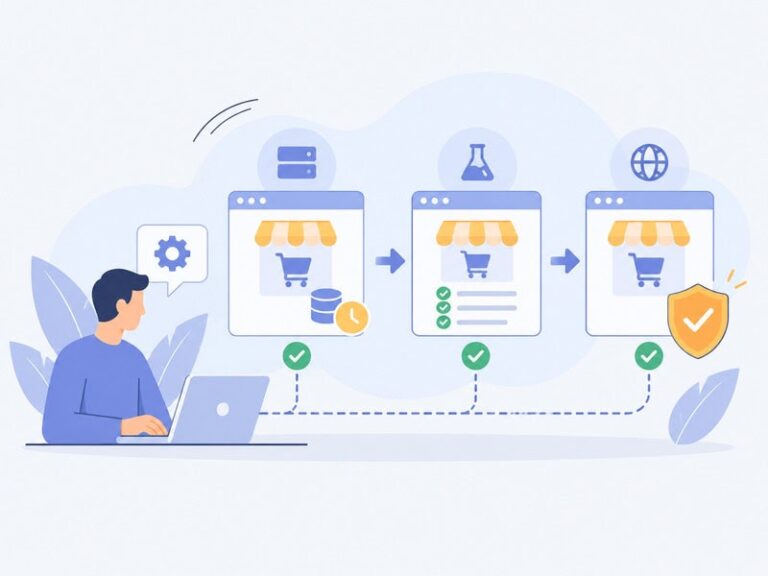
You may consider that maintaining WooCommerce and its plugins is as easy as pressing “Update” enough. In reality it is not the problem of being stale, but of updating without a plan.
This is why it’s important to have a procedure in place if you are in charge of updating WooCommerce stores. Using a structured update workflow and testing can minimize the likelihood of unplanned downtime.
Updates also play a role in WooCommerce security, especially when websites have several plugins and integrations. Avoid unexpected security vulnerabilities or compatibility issues when implementing changes to the software stack by maintaining the software stack and testing changes before deployment.
A core update that changes how HPOS handles order data, or a plugin update that silently deprecates a hook you’re relying on, can break checkout on a client’s highest-traffic day if it’s pushed without staging first.
The consequence of skipping this discipline is rarely dramatic on the surface. Nothing crashes immediately. Instead, small things degrade, a shipping calculation starts returning the wrong rate, or a discount stacking rule quietly stops applying. Clients notice these as lost revenue long before they connect it to an update. Managing several stores means you can’t eyeball every update log personally, so a staging environment and a changelog review step aren’t optional extras.
A structured WooCommerce management process also makes it easier to apply different update schedules based on each store’s integrations, traffic, and technical complexity.
Need help managing or improving your WooCommerce stores?
Talk to our WooCommerce experts today!Client Expectations Diverge as Fast as Technical Setups Do
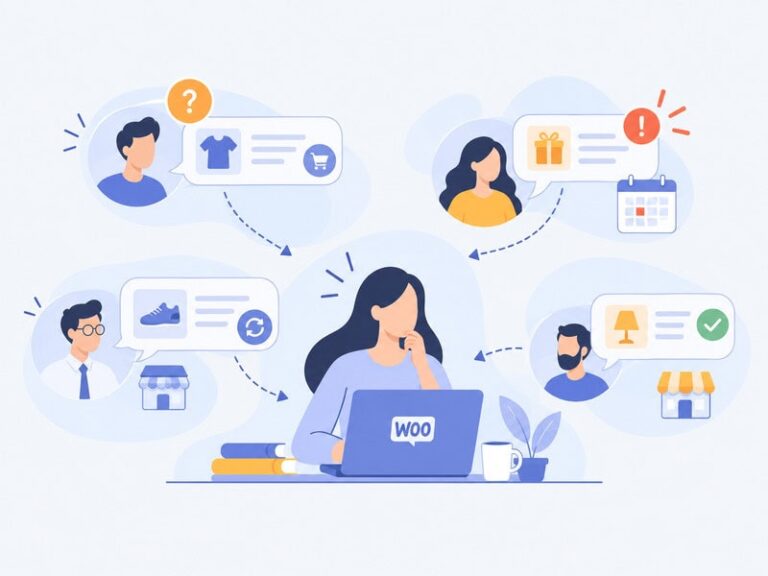
A store owner selling forty SKUs of handmade candles has a fundamentally different relationship with “urgent” than a client running a six-figure monthly subscription business. Managing both at once means recalibrating constantly, and the agencies that struggle tend to apply one communication cadence to everyone.
This isn’t just a soft-skills observation, it has real technical consequences. The subscription client may need you watching failed-renewal-payment logs weekly; the candle store may only need a monthly health check.
Applying the heavier process to every account burns hours you don’t get paid for; applying the lighter process to every account means the high-stakes client eventually catches something breaking that a weekly check would have flagged. Segmenting clients by actual technical risk, not by contract size, tends to produce a more sustainable workload.
This kind of segmentation also supports better WooCommerce scalability because the team can allocate monitoring and maintenance resources according to actual operational demands rather than treating every store identically.
Plugin Conflicts Compound Across a Portfolio
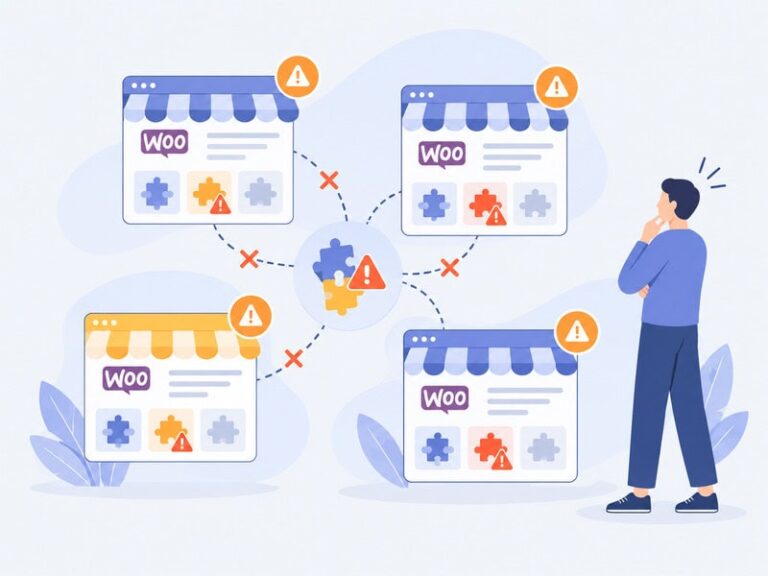
A conflict between two plugins on a single site is a puzzle. The same conflict recurring, in slightly different form, across four unrelated client sites is a pattern worth solving once, permanently, rather than four times.
Early on, we treated each conflict as a one-off ticket. It wasn’t until a shipping plugin and a tax calculation plugin caused nearly identical checkout errors on three separate stores that we started keeping a running internal log of known incompatibilities, versions involved, and the fix that worked.
That log has probably saved more hours than any other single habit in this list. It also means junior team members inherit institutional knowledge instead of rediscovering the same bug from scratch.
The approach becomes even more valuable when WooCommerce multiple stores share similar integrations or business workflows. A documented compatibility issue can then be checked proactively instead of being discovered independently on each site.
Custom Code Without Documentation Is a Liability You Inherit Later
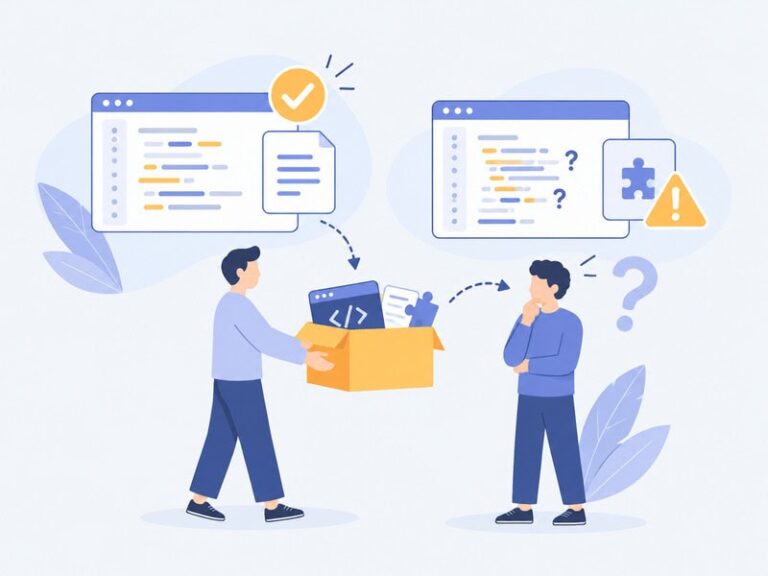
Nearly every WooCommerce project that’s been running for more than a year has some custom functionality, a snippet in functions.php, a small must-use plugin, a hook modifying checkout fields.
On a single project, you remember why it’s there.
Across a portfolio, six months later, you often don’t, and neither does anyone else on the team.
This becomes a real cost the moment a plugin update conflicts with undocumented custom code, or a new developer needs to modify checkout behavior and can’t tell which of three overlapping snippets is actually responsible.
The fix is unglamorous: comment custom code with the date, the reason it exists, and who to ask if it needs to change. It’s a discipline that pays off exactly when you’re too busy to appreciate it, during an incident, not during calm maintenance windows.
If a store has customizations that are complex in nature, it might be better to hire WooCommerce developers to continue customization and ensure that the existing setup is documented, maintained and extended safely.
The documentation also lays the groundwork for WooCommerce scalability, as new team members can follow the work that has been done by the previous developer without having to passively absorb it.
Performance Problems Rarely Announce Themselves Early
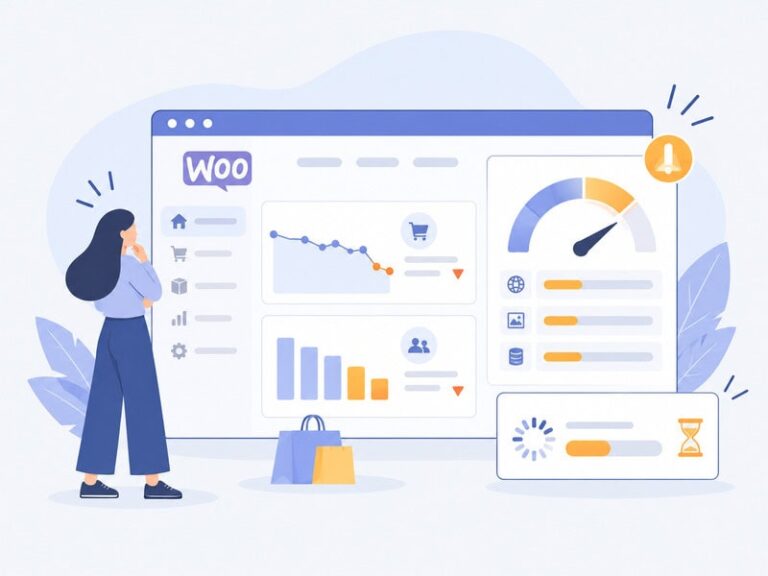
A store with 200 products that loads at a good speed could be very different if it was 5,000 products and the checkout was going on at the same time. With the increased number of catalogs and orders, WooCommerce scalability should also be taken into account. It is easy to overlook since it is a slow degradation in performance, especially when you have a portfolio that’s not checked every day for any individual site.
It’s not until long after, typically after abandoned carts and slow admin panels, that it becomes a “performance issue”, and it can often look like the client saying the store “feels slow” or they are losing sales for which they cannot account.
Regular performance audits, not just reactive ones triggered by complaints, are what catch this before it becomes a lost-revenue conversation. This is where WooCommerce performance optimization becomes an on-going maintenance rather than one-off technical problem. This is even more important for stores which have not yet made the switch to HPOS, where legacy order storage can be an unsuspecting bottleneck as order volumes increase.
Additionally, when a WooCommerce ecommerce store has a large product catalog or a high number of transactions, it will be beneficial to track performance patterns to get a head start on any potential scalability challenges before they present as a customer experience problem.
Every Client Has Different Needs and Expectations
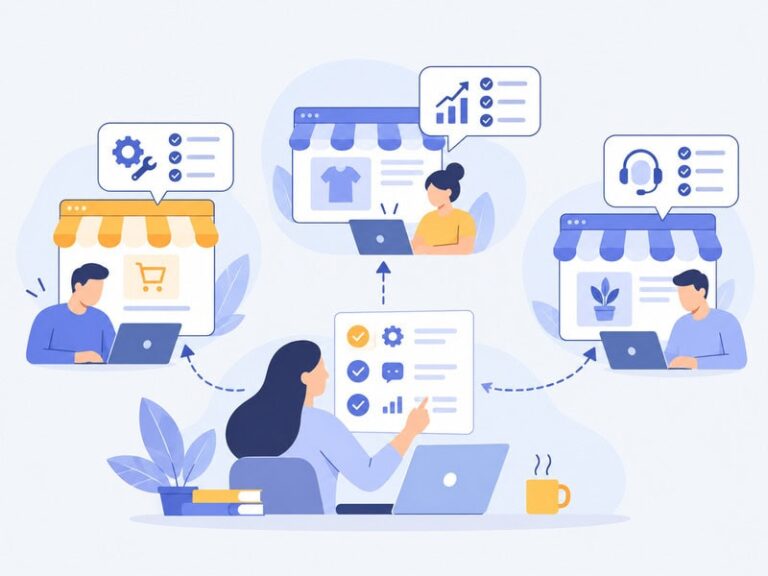
When a client doesn’t respond, it’s easy to misinterpret it as all is well, particularly when you’re busy. Sometimes it is. Sometimes it’s because they aren’t aware of a problem or they’ve thought that you’ve got something under control that you don’t have.
The safer bet, particularly for less technical store owners, is a short recurring check-in that brings up things before the client has to ask, a short monthly note on uptime, any updates applied and anything worth watching. It doesn’t take up a lot of time and doesn’t cause the angriest of “surprises”: a client who’s been secretly angry for months and who will ultimately leave, typically just before they are ready to leave.
These lightweight check-ins can also help to make WooCommerce store management predictable without causing any reporting overhead for agencies that manage multiple stores for WooCommerce.
Where the Trade-offs Actually Are
None of this is free. Building the documentation habits, the staging workflows, and the client segmentation described above takes real time upfront, time that’s hard to justify when you’re already stretched across too many projects.
There’s a reasonable counterargument that for very small portfolios, this overhead isn’t worth it yet, and that lighter, more improvisational management is fine until the third or fourth client comes on board. The judgment call is recognizing when you’ve crossed that threshold, ideally before a preventable incident forces the recognition on you.
The more WooCommerce stores there are, the more significant these systems are to the management of WooCommerce. They offer a structure to manage updates, customizations, performance monitoring, and client communication without having to rely on individual memory or regular manual management.
The common denominator in all these lessons is the same: one WooCommerce store needs good instincts to be managed, but multiple stores need good systems to be managed, that rely on no one’s memory, attention, or luck. It’s not always the stores that have the most technical issues, it is more often the ones that nobody took the time to write down.
Frequently Asked Questions
What is the biggest challenge when managing multiple WooCommerce stores?
The most difficult aspect is keeping things consistent without assuming that each store is set up exactly the same. Each store can be unique thanks to different themes, plugins, hosting environments, custom code, etc., and business needs. An organized, repeatable management process can ensure that key aspects are not missed.
How often should WooCommerce stores be updated?
It is important to keep WooCommerce stores updated periodically, but updates shouldn’t be done at random. Check out the changelog, test important changes on a copy of your site, and ensure that important features like checkout, payments, shipping, taxes, and subscriptions are working properly before deploying to production.
Why is staging important for managing multiple WooCommerce sites?
A staging site allows you to try out any WooCommerce, plugin, theme, and custom code changes without impacting customers. This is particularly helpful if you have multiple stores since a minor compatibility problem can otherwise turn into an unwanted production event.
How can agencies keep track of different WooCommerce configurations?
Keep a configuration record for each store. Hosting environment, WordPress and WooCommerce versions, plugins that are active, theme and custom functionality, integrations, payment gateways and important dependencies. This information can be consolidated using site-management tools; however, the documentation needs to be comprehensive enough for another team member to follow.
How can you prevent recurring WooCommerce plugin conflicts?
Maintain an internal list of known plugin conflicts, versions affected, symptoms and fixes. If a similar problem is seen in an additional store, then the team can use that information rather than going through the troubleshooting process again from the beginning. Changes done in staging also show up in production when tested and help to identify clashes before they happen.
Why should custom WooCommerce code be documented?
When the developer of the undocumented code is no longer available, the code becomes harder to maintain. Documentation should give an explanation of what the code does, why it was added, when it was added, and what functionality might be affected if it is modified or deleted. This helps to make troubleshooting and customizing WooCommerce safer in the future.
How do you monitor the performance of multiple WooCommerce stores?
Avoid waiting for clients to say that a store is slow, as your recurring performance checks will inform you in advance. Track page loading speeds, database performance, server usage, checkout behavior and WordPress admin experience. High order value stores or stores with many items in their catalogs might need more frequent monitoring and optimization.
Should every WooCommerce client receive the same maintenance process?
Not necessarily. The complexity of each store’s technical environment, number of visitors, volume of transactions, integrations, and risk of the business should be taken into account when it comes to maintenance. Routine monitoring may be more necessary for a store that processes many transactions per day than for a small catalog that processes only a few.