






I got to know one such store owner, whose business sells nearly 4,000 products using WooCommerce a few years ago. Traffic was good. Photos & descriptions were good. However, there was a problem: The people using the search bar purchased significantly fewer items than you might have expected.
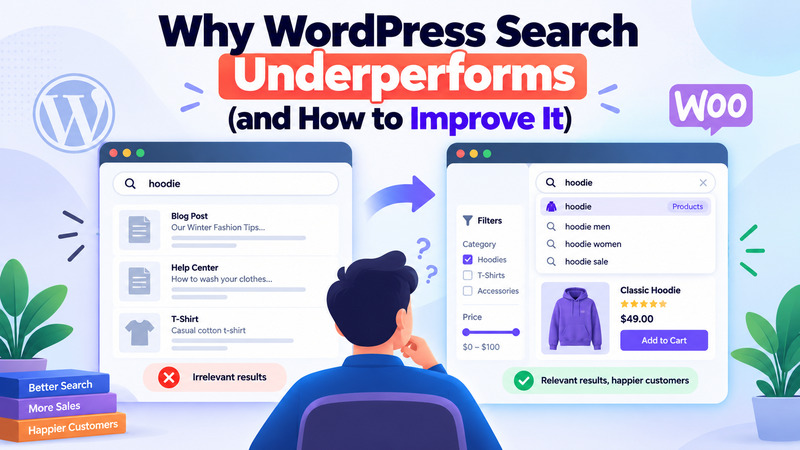
The issue was quite trivial. They’d enter “phone charger” in the search bar and then see a random assortment of search results, such as an old blogpost, a couple of items of no relation, and then finally the charger, on the second page. The products were very good. They simply could not be found by the search.
This is not a one-off issue. This is the default search functionality of WordPress and one of the lesser-known causes for why WooCommerce stores underperform even when traffic seems to be on the rise.
Why This Matters More Than People Think

The vast majority of WordPress teams don’t do much work in search. They concentrate on page speed, content and design, and leave the built-in search bar alone. Yes, that’s logical on the surface as WordPress powers a large portion of the web, so you’d assume that something as simple as a search function would be easy to use out of the box. It doesn’t. If you type a search into search in WP, you’re putting your trust in something that no one really configured.
And the users of this search bar are not insignificant. Numerous studies have been conducted on online shopping and they all point to the fact that visitors who use the site search are two and three times more likely to purchase something than visitors who just do some browsing. Further, some research indicates that only a small percentage of visitors use search but it still accounts for a significant portion of total ecommerce revenue, as high as nearly one-third. If search fails, you lose out on those who have already decided to purchase something – but just couldn’t find it.
Why WordPress Search Struggles
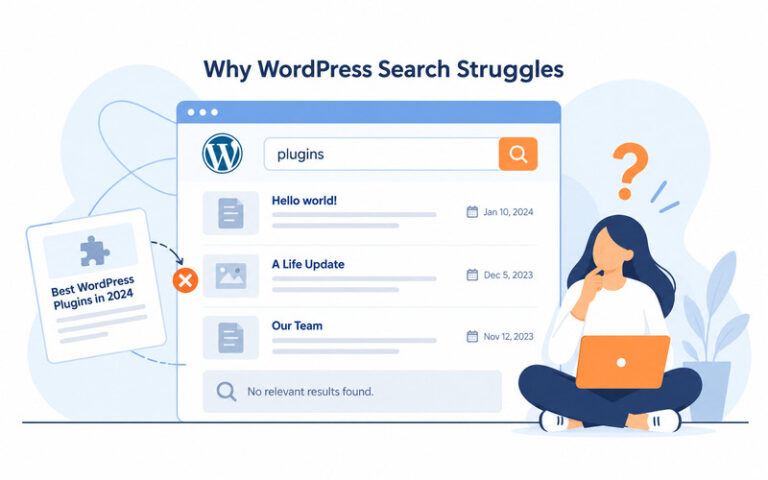
To find the solution to the problem, it helps to get a better grasp of what is really happening in the background.
When a user types in a query on your WordPress website, it performs a basic search on your database to find matches for the keywords in your posts. It is not intelligently written, it is a straightforward text match with no idea of what’s “most relevant” or no knowledge of related terms. WordPress has a search function that wasn’t built for relevance ranking, or for custom content.
This approach presents some well-known issues:
- Results are sorted by date, not relevance. WordPress displays the latest matching content, rather than the best match. A slightly tangential post that was published last week can outrank your most helpful post that you’ve had three years ago.
- It often misses products and custom content. For many WordPress websites, particularly those for online stores and course sites, there is critical data that is not part of the body of a post: product SKUs, brand names, course information, etc. Typically, the default search will not be able to view it. Therefore if a customer enters a product name in the search bar, but the product is available, this search might result in no hits.
- It doesn’t handle typos or different wording. Search for “hair dryer” on a site that calls it a “blow dryer,” or misspell a word slightly, and you’ll likely get nothing back. Studies show most websites require the exact wording used on the site itself, which is exactly the kind of rigid matching that trips people up.
- It slows down as your content grows. A small blog won’t notice this. A store with thousands of products, or a course platform with years of lessons, can see real slowdowns, because this type of database search isn’t built to scale.
- There’s no autocomplete or filtering. People are used to typing a few letters into Google or Amazon and seeing instant suggestions. Default WordPress search offers none of that, so even when it technically works, it feels clunky and outdated.
What This Actually Costs You
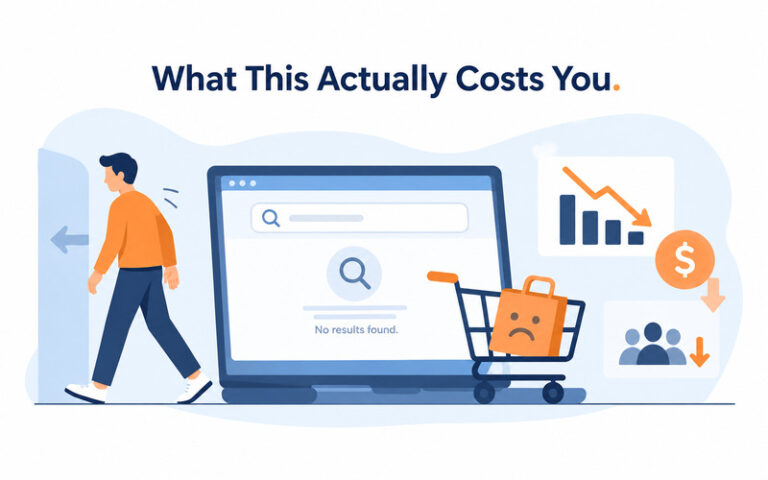
Here’s the chain of events. Weak searches show poor or no search results at all. That results in visitors moving out of the door as soon as they arrive. This results in lost sales, and sometimes lost customers for the site.
The statistics say as much. The Baymard Institute research has uncovered that many product searches on ecommerce websites are unfulfilled. Other studies indicate that a bad search experience will cause most consumers to leave the site entirely, not only the search experience, but the site. Well-built search systems typically return an answer for 1 in 20 searches, whereas poorly-built search systems may only return an answer to 1 in 5 searches. This is a lot of enthusiastic buyers who have come up against a brick wall.
This is also felt by content sites, but in a different manner. Search is one of the primary means users use to further explore a blog or resource library. If it doesn’t work well, then people read fewer, bounce faster and leave sooner. Everything can negatively impact your SEO without you even realizing it, even if your overall content plan is on point. Most sites don’t consider internal search as part of WordPress search engine optimization, just a UX feature.
Does Every Site Need to Fix This?

Not necessarily. This is probably sufficient for the default search if you have a few monthly visitors to your own little blog with fifty posts or so. That isn’t enough content to really find issues in your WP search and it’s better to add a complex plugin or service to a site that is small.
The cracks begin to show when your site has more than a few hundred posts, or your store has more than a couple hundred products. When you should listen to the abandoned searches and high bounce rates on search results pages, as well as confused customer messages. The greater the size and the more sales-oriented your site is, the more of this problem it will destroy. In a few select locations, particularly those with a somewhat unusual catalog construction or legacy systems, a WordPress plugin developer is a worthwhile investment as a well-thought out repair may last many plugin changes.
Is Your WordPress Search Costing You Customers?
Contact our WordPress ExpertsHow to Fix It
The good news is that fixing WordPress search rarely means custom coding from scratch. There are several proven WordPress search plugins and services out there, and the right one depends on your site’s size and budget.
1. Start With a Better WordPress Search Plugin
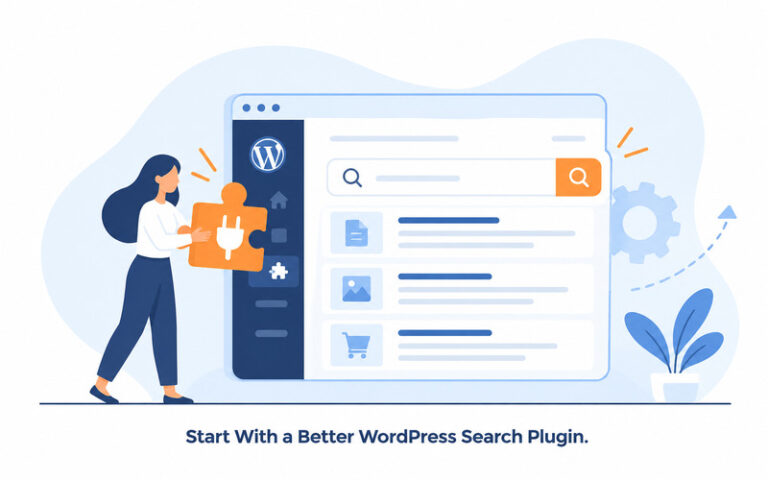
A search plugin is the first place to begin for most small-to-medium size WordPress websites. The basic WordPress search is intentional and a plugin can provide you with a lot more control over what is indexed and how the results are ranked.
Some plugins, like Relevanssi, SearchWP and Ivory Search can enhance the relevance of the search results and add greater control over what WordPress is searching for. Depending on the tool, you can add custom fields, taxonomies, excerpts, product information, and so on that may not be picked up by the standard search.
On sites with critical information not in the main page or post content this becomes paramount. For example, a WooCommerce product might have a name, SKU, category, brand, attributes and other custom data that can be used by the shoppers who are searching for a product. If they are not in the search index, somebody could use search to find information that is clearly available on the site for them and they will find nothing of value.
A decent search plugin can provide you with better relevance control, too. You can then use the title, product name, category or other more relevant information as the priority words instead of all the keywords.
This is the first step to improve for most sites, before going onto a more complex set-up.
2. Add Autocomplete and Instant Search
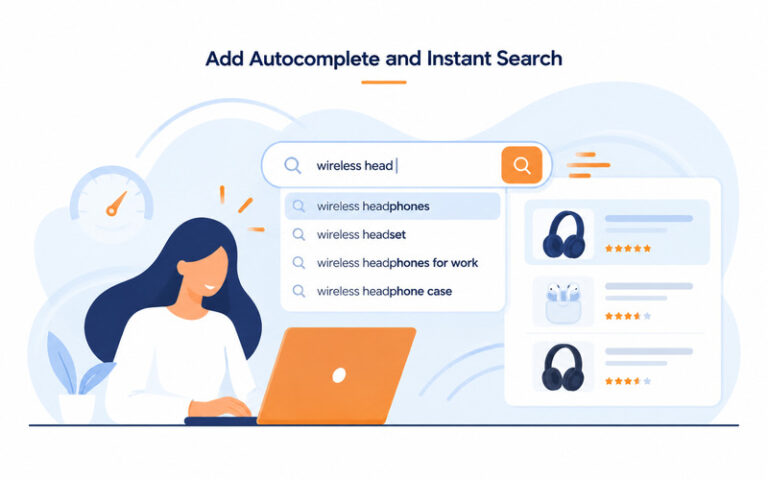
Modern users are used to seeing search suggestions while they type. It’s one of the reasons why the default WordPress search may feel like it is outdated even when it will return the correct answers.
Autocomplete will save users typing time and assist them to discover what is available before the query completes. On a large store, it can also keep customers from having to sift through several pages of results.
For instance, if someone types in ‘iph’ they could easily get recommended results for iPhone cases, iPhone chargers or other items. The visitor can click on a relevant result before having to check out a long list of results.
Instant search can have a similar effect as it shows results in real-time as the user types them in. With the use of filters, it forms an even more effective method of navigating a large catalog.
These features are especially useful for an ecommerce site since the user is likely looking for a particular purchase. Eliminating the intermediate stages from the shopping process between the search box and the clickable product can make the process easier.
3. Don't Ignore Search Analytics
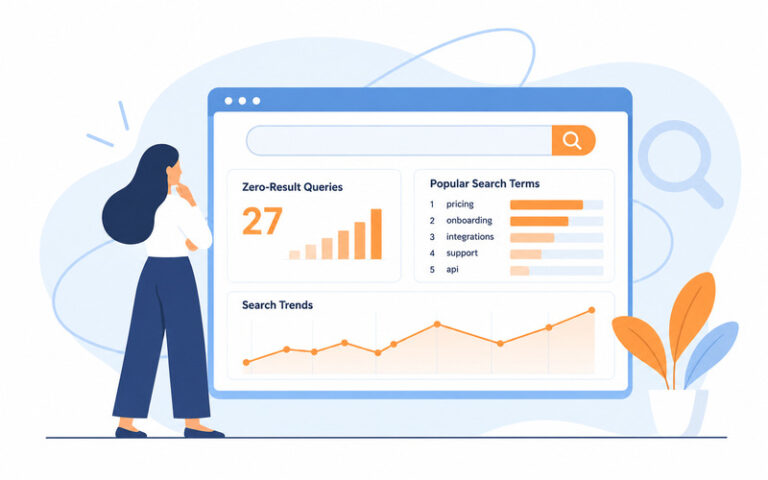
The process of improving search is not a one time task. Once you’ve implemented a better tool, it’s important to know what visitors are looking for.
Search for queries returning no results, queries returning irrelevant results, and queries which are repetitively performed. These can expose issues that may not be apparent when you are testing your site.
For instance, your product team might label a product as “athletic footwear” but customers keep looking for “sneakers”. Technically, the search system is in place, but it can still be a bad user experience if the terminology is different.
When search results return nothing, it’s particularly helpful because it lets you know where visitors are reaching a dead end. If hundreds of people are looking for a product or category that is on your website, and they are not finding anything, there are several clear indications that you need to modify your search configuration.
This knowledge can also be used to aid in merchandising and content strategy. Multiple searches of items that you do not stock can provide you with some insight into what you might need to add to your catalog, and items that are routinely searched can help you identify which categories you can focus on.
4. Know When You Need Custom Search Development

While most websites can benefit from the use of an existing search platform, there are times when you just don’t have the control you need with plugins and hosted services.
If a site has a very specific ranking goal, has multiple custom post types, multiple complex product relationships, or unusual content structures, then a more customized solution may be needed. This is also the case when search should go beyond just returning pages and posts to a variety of different content types.
In those instances, you may have more control over search with WordPress custom development. The custom implementation can configure which fields are indexed, what sort of weighting is applied to various content types, how results are ranked and how search works with the rest of the site’s functionality.
Don’t create a custom search system just for the sake of creating one. Test on existing solutions, identify gaps, determine if custom development is warranted due to impact on user experience or business needs.
5. Keep Search Performance in Check
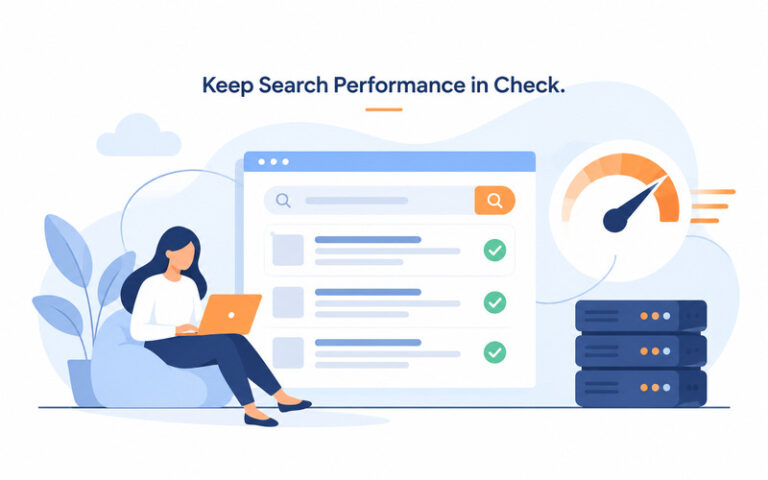
Quality and speed are important aspects of search. But a search system that delivers highly relevant results that takes a few seconds to respond, is still a poor experience.
This is crucial for a growing WooCommerce store. Long catalogs, complex filters, different product variants, third-party integrations and other database queries can all slow down the apps.
This is why optimizing search is an integral component of a performance program. Review your search optimization and hosting environment, database queries, caching, images, scripts, and plugins.
The ideal search experience is when visitors can easily type in a query, get relevant results, adjust them as needed, and seamlessly navigate to the content or product they need.
First, look at your visitors’ search terms, the gaps in your current system and how they hinder navigation and conversions. When you know what the gaps are, finding the right solution is much easier.
The Bottom Line
WordPress search does what it was designed to do: a simple keyword match, sorted by date. The problem is that design hasn’t kept up with what people now expect from every search box they use, thanks to Google and Amazon setting the bar. For a small site, that gap barely matters. For anything with real content or a product catalog, it’s a quiet drain on traffic and sales that’s easy to fix with tools that already exist. Most site owners who fix it don’t see one big dramatic change. They just notice fewer people leaving, more time spent on the site, and a search bar people actually trust to use again.
Frequently Asked Questions
Why is the default WordPress search so bad?
The WordPress search function performs a simple database search, and is limited to searching for content with the same words in the post title and body. It doesn’t know what is relevant, it doesn’t know about typos, and sometimes it isn’t even able to read custom fields such as product details or course metadata. It does not rank by relevance, so the results are not necessarily ordered most relevant to least, so it can seem random. To sum up, WordPress’ default search functionality simply hasn’t been updated to match people’s search behavior today.
Does WooCommerce have its own search, or does it use the WordPress default?
WooCommerce uses the same WordPress search unless you install an add-on to enhance it. It does not index product attributes such as SKUs, brands and custom fields very well out of the box which is a frequent cause for shoppers to return no products when they search for them.
What's the easiest way to fix WordPress search without hiring a developer?
The quickest solution is to install a search plugin, such as Relevanssi, SearchWP, or Ivory Search. Most of these are installed in less than an hour, and can be used without any coding to immediately enhance the relevance, custom field indexing, and typo tolerance.
Is Relevanssi or SearchWP better?
Relevanssi has a fairly robust free version, and is suitable for most blogs and small stores. On the other hand, SearchWP is a paid plugin that works a little better with a more complicated WooCommerce catalog and custom post types. On more complex or bigger websites, it is advisable to test both on your own content.
Can bad site search actually hurt my SEO?
Yes. Visitors who are unable to navigate to their desired pages via search have a tendency to leave the site more quickly and navigate through fewer pages. The weak internal search can undermine other SEO efforts as those signals affect the overall quality and usefulness of a site as judged by the search engines.
How do I know if my search is actually a problem?
Look at the WordPress search plugin or analytics for a zero result search and bounce rate on the WordPress search result pages. If a significant percentage of your searches yield no results, or your visitors who search do not convert as well as your visitors who browse, it’s a red flag that your search setup is in need of attention.