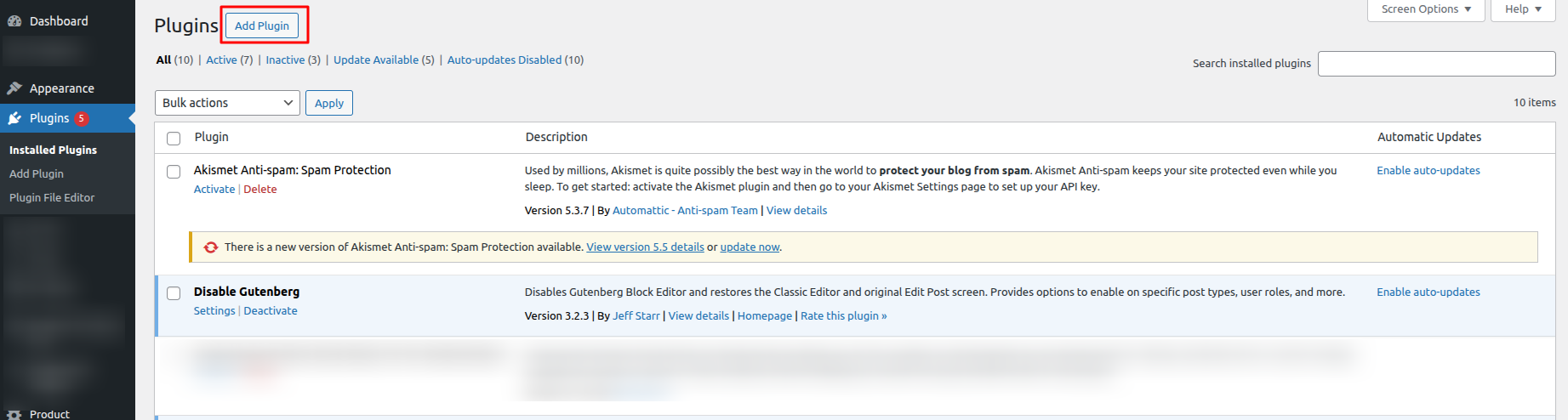
Follow the steps below to download and install the plugin on your site:
- Step 1: Download the Plugin File
- Navigate to My Account → Purchase History.
- Locate the order for Multiple Certificates Pro for LearnDash and click on View Details & Downloads. This will take you to the Order Details page.
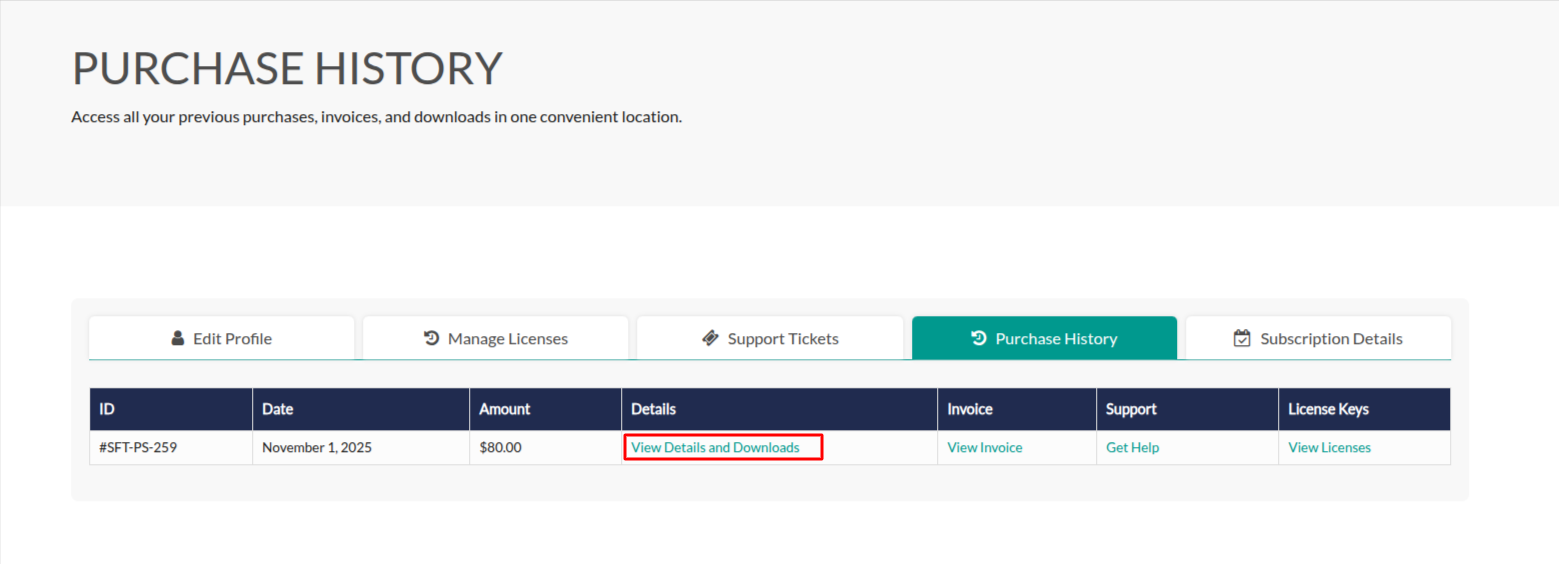
On the Order Details page, you’ll find all your purchase information, including your license key and a download link for the plugin file. Under the Products section, click the provided link to download the plugin ZIP file.
Step 2: Install and activate
Once downloaded, navigate to your WordPress dashboard, go to Plugins, click Add New > Upload Plugin, and upload the zip file. Once the Dynamic Cart Message Plugin gets installed, activate it and set the Licence key.